Chuyển đổi văn bản của bạn
Bạn muốn làm cho hồ sơ của mình tỏa sáng? Trình tạo phông chữ miễn phí của chúng tôi cho phép bạn tạo văn bản độc đáo ngay lập tức. Chỉ cần dán các từ của bạn và sao chép thiết kế yêu thích của bạn để sử dụng ở bất cứ đâu!
Nâng cấp hồ sơ mạng xã hội và tên trò chơi của bạn với công cụ tạo phông chữ đỉnh cao. Khám phá các kiểu văn bản đẹp, in đậm và in nghiêng. 100% Miễn phí!
Your text will instantly transform into hundreds of cool, cute, and stylish fonts. Perfect for making your social media profiles and messages pop!
Bạn muốn làm cho hồ sơ của mình tỏa sáng? Trình tạo phông chữ miễn phí của chúng tôi cho phép bạn tạo văn bản độc đáo ngay lập tức. Chỉ cần dán các từ của bạn và sao chép thiết kế yêu thích của bạn để sử dụng ở bất cứ đâu!
Welcome to the ultimate Font Generator! This tool is designed to instantly convert your standard keyboard text into beautifully crafted, aesthetic symbols and letters. Whether you are looking for 𝓬𝓾𝓻𝓼𝓲𝓿𝓮 text, bold lettering, or intricate 𝔊𝔬𝔱𝔥𝔦𝔠 designs, we provide over 150 unique font styles. All of these styles are generated using specialized Unicode characters, ensuring that when you copy and paste them onto platforms like Instagram, TikTok, Discord, or WhatsApp, the aesthetic remains exactly the same.
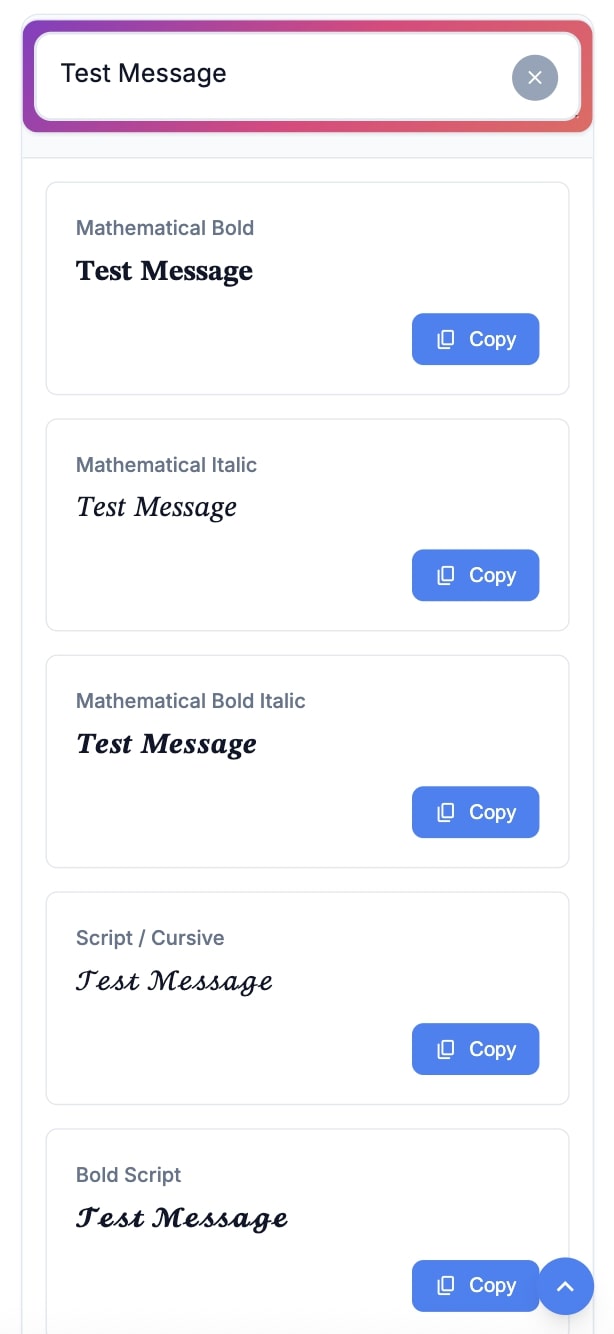
We built this tool from the ground up to be the most reliable, fast, and comprehensive text styler on the web. Here is what makes it special:
Getting started is as easy as 1-2-3. Follow this quick guide to level up your social media presence:
You might be wondering: How can I paste a completely different font into an app like Instagram? The secret lies in Unicode. Our website does not actually generate new “fonts” (like Arial or Times New Roman). Instead, it translates your standard keyboard letters into obscure, look-alike symbols that already exist within the international Unicode standard. Since most modern platforms support Unicode, they can render these beautiful symbols flawlessly!
There are countless ways to make use of our fancy text generator:
A font generator is an online utility that takes your standard input text and converts it into hundreds of different aesthetic, stylish, and cool Unicode symbol combinations that resemble fancy fonts.
Absolutely! Because the generated text relies on standard Unicode characters, they are completely safe and widely supported by all major social media platforms without the risk of being banned or flagged.
If you see empty squares (also known as “tofu”) or question marks, it means your device's operating system or browser does not support that specific set of Unicode characters. Updating your OS usually fixes this, or you can simply choose a different style from our list.
Yes! Our tool is 100% free to use for both personal and commercial purposes. You can generate text for your business bios, ad copy, or promotional materials without any restrictions.
There are no arbitrary limits! You can type paragraphs of text, though keep in mind that extremely long inputs might make some complex fonts (like Zalgo) difficult to read or copy.